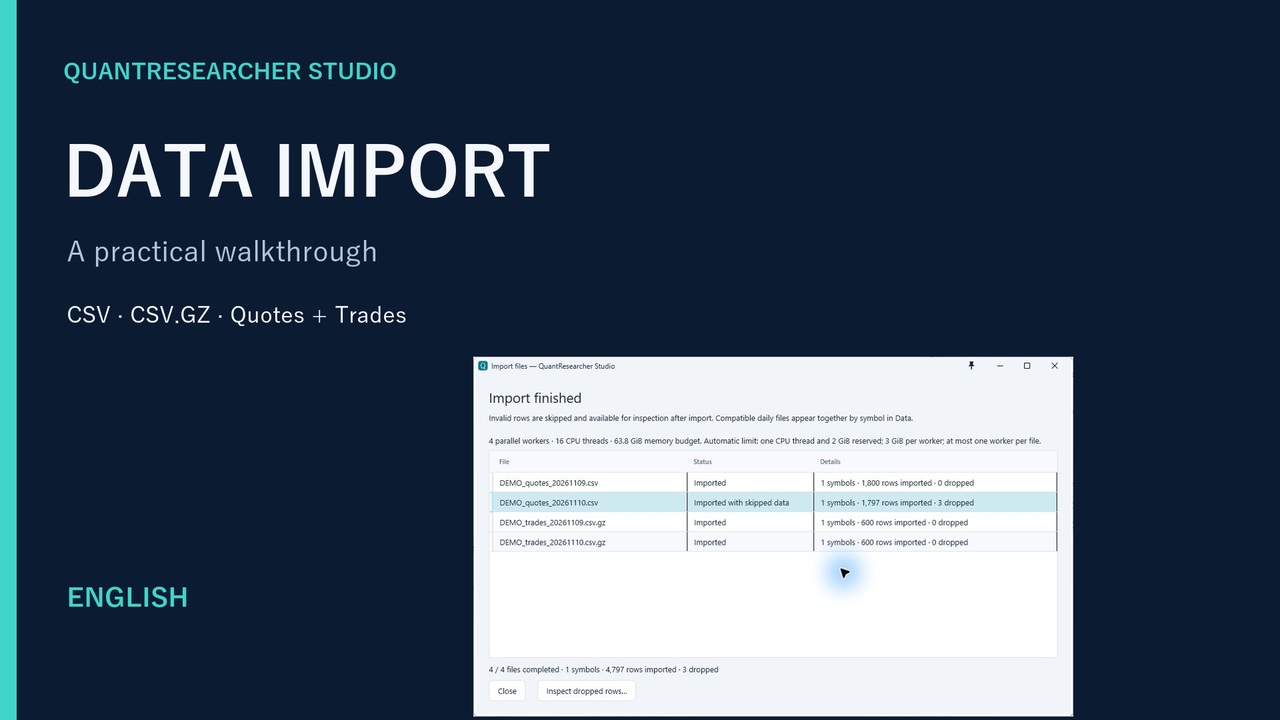
01 CSV · Quote / Trade · Metadata
Import market data
Bring in CSV and compressed tick data, inspect rejected rows, and pair Quote and Trade inputs for your backtest.
See the workflow, then try it yourself. Start with a short introduction or follow six practical tutorials from data import to reproducible research.
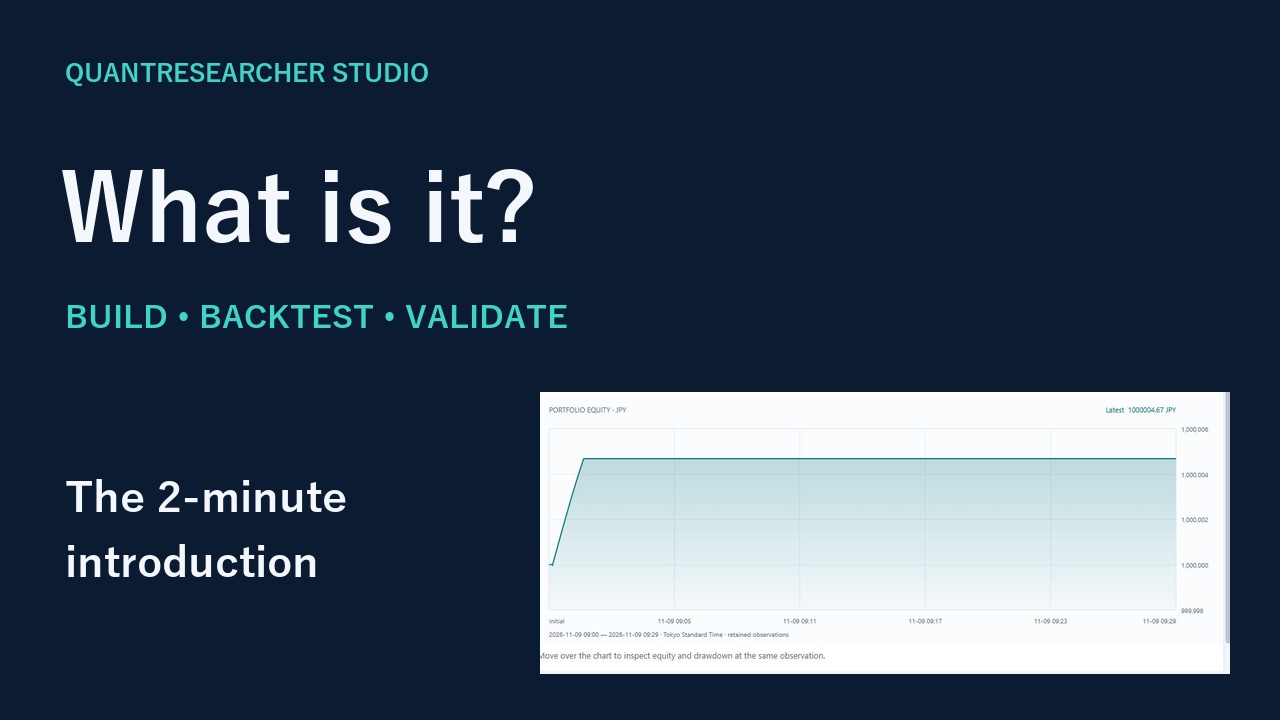 1:48
One local workspace for C# strategies, Backtest, Optimize, Research and supported execution workflows. See how the pieces connect before your first experiment.
English AI narration · English and Japanese subtitles
Watch the introductionEach topic has English and Japanese editions with AI narration and captions. Videos open on YouTube in a new tab.
Bring in CSV and compressed tick data, inspect rejected rows, and pair Quote and Trade inputs for your backtest.
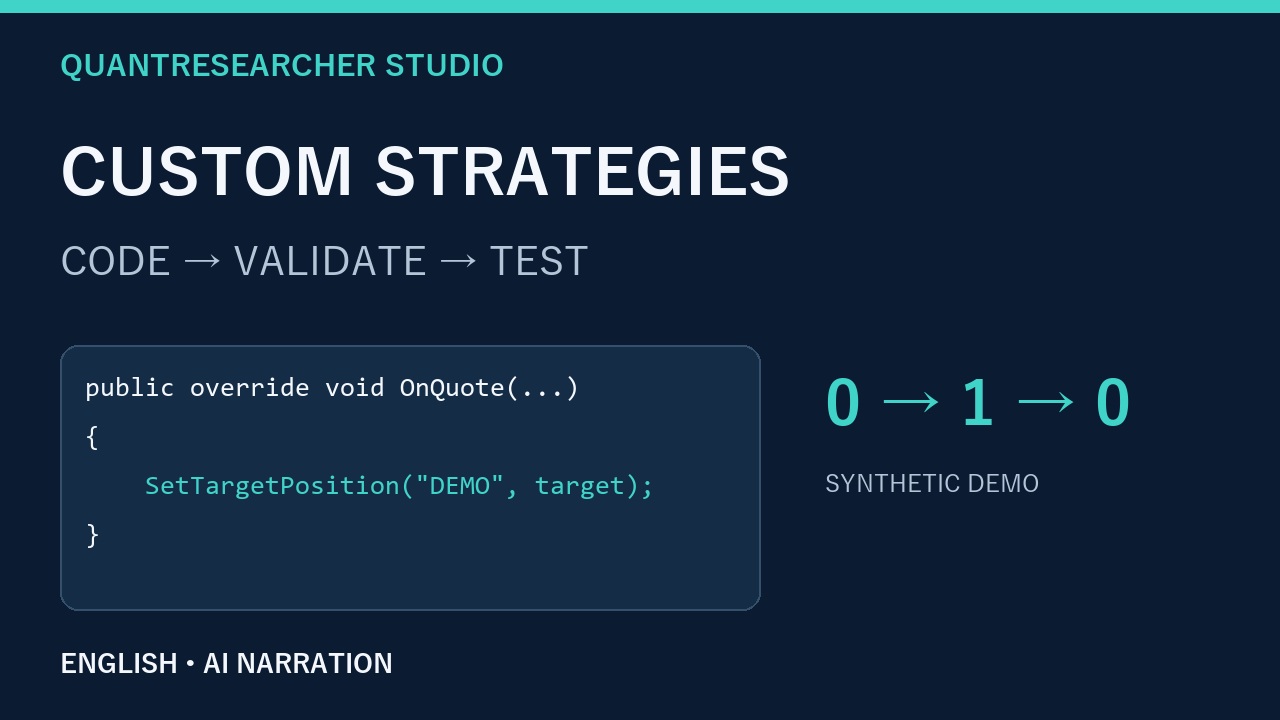
Write an editable strategy, expose parameters, fix a validation error, then verify the fills and logs in Backtest.
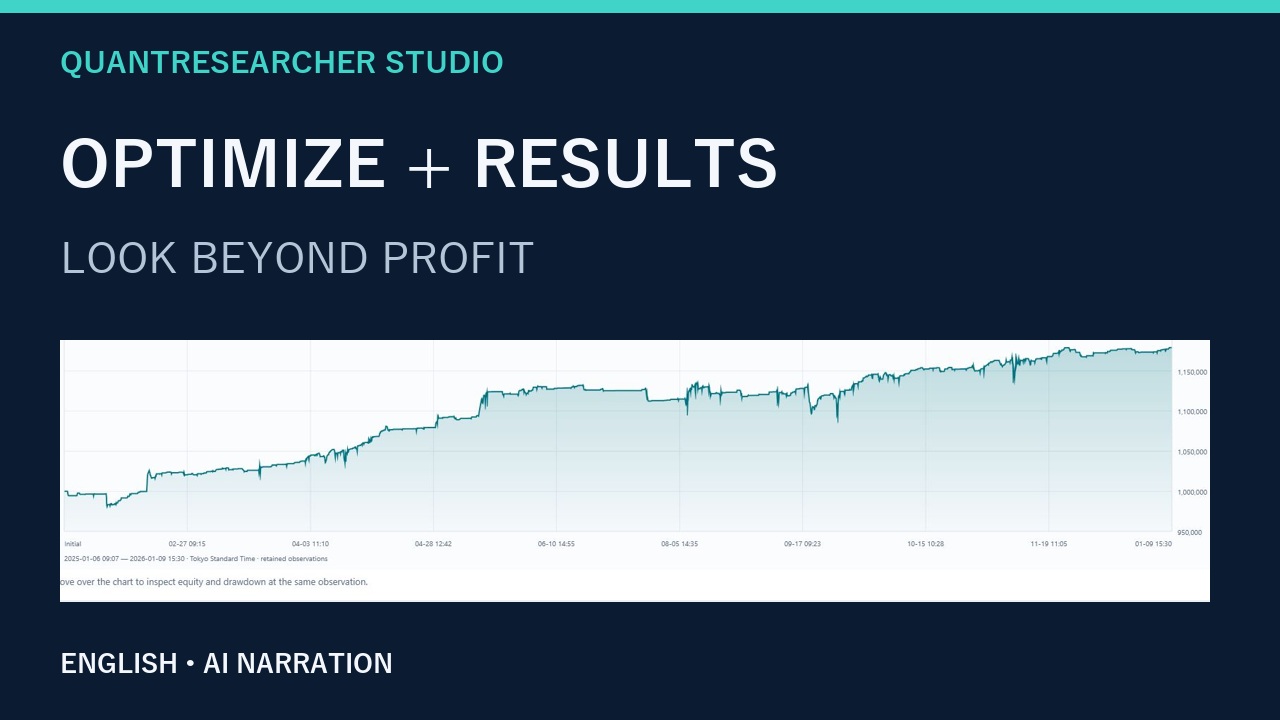
Configure a search and compare trials. Read equity, drawdown, Sharpe, CAGR, Pain Index, Smoothness and Trade History.
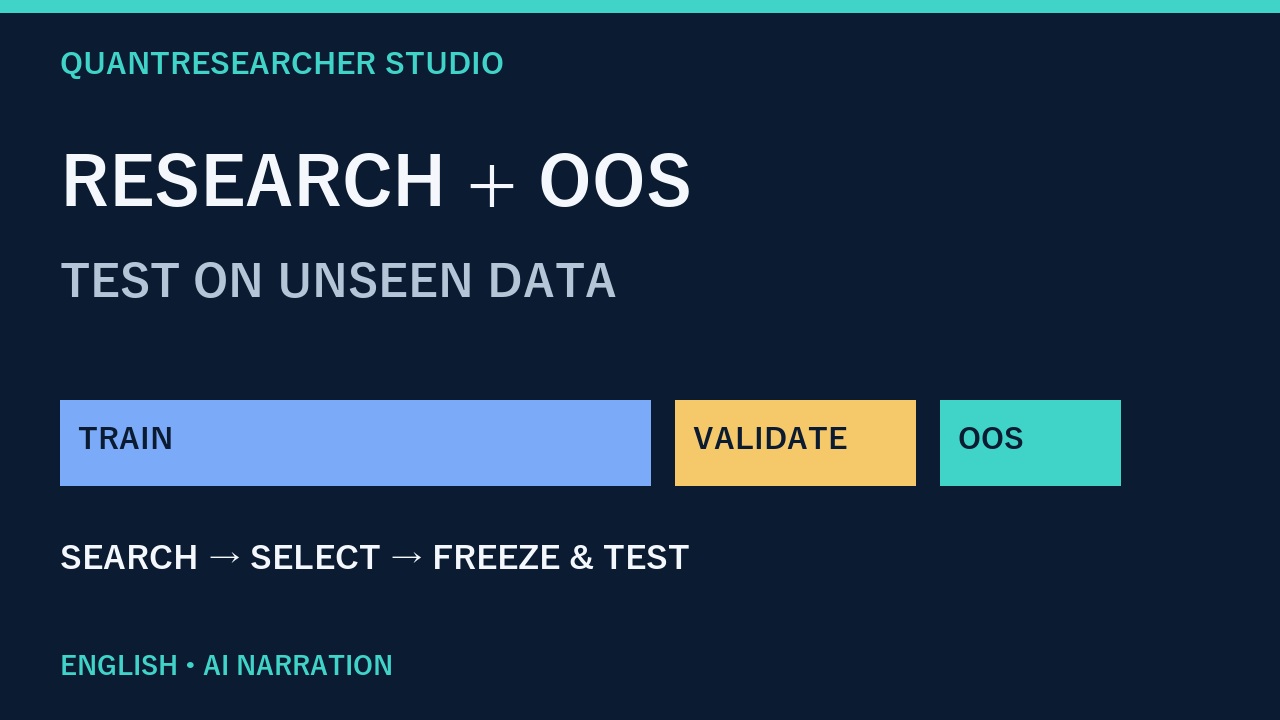
Separate training, validation and later OOS periods. Review chronological folds and understand the limits of a fitted result.
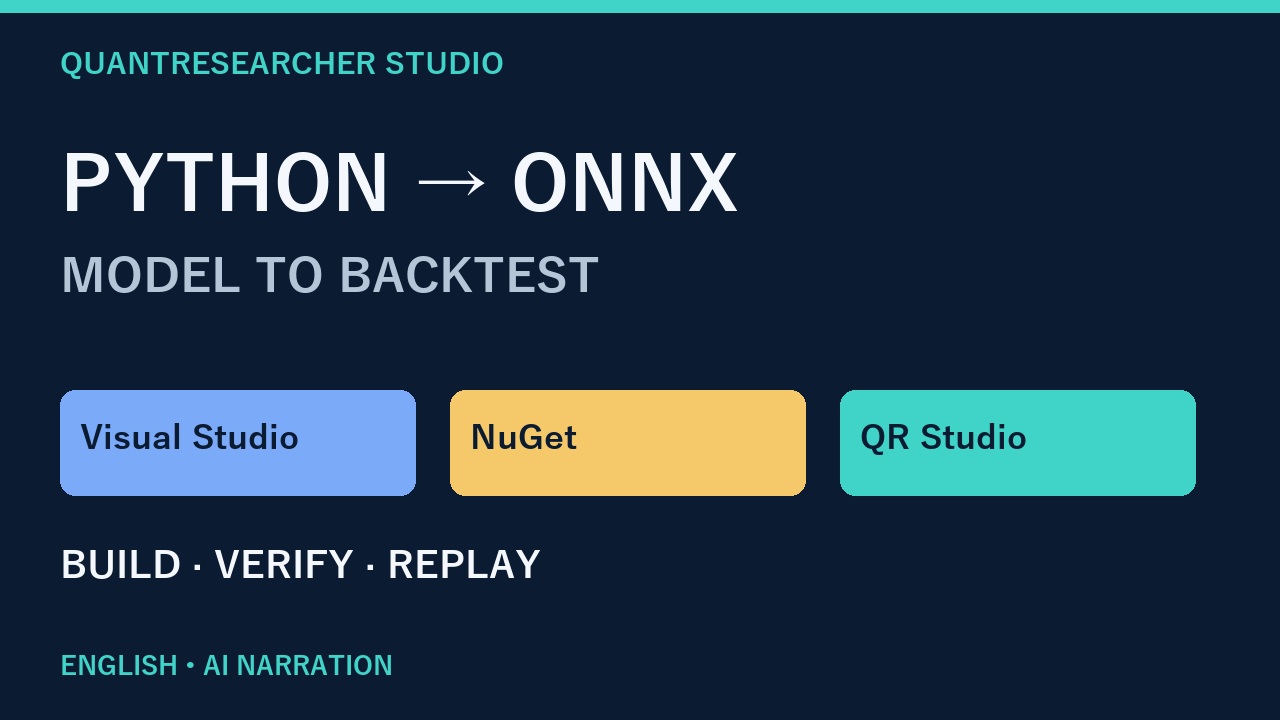
Train and export an ONNX model, use Edit in Visual Studio and NuGet, compare predictions, then run a backtest.
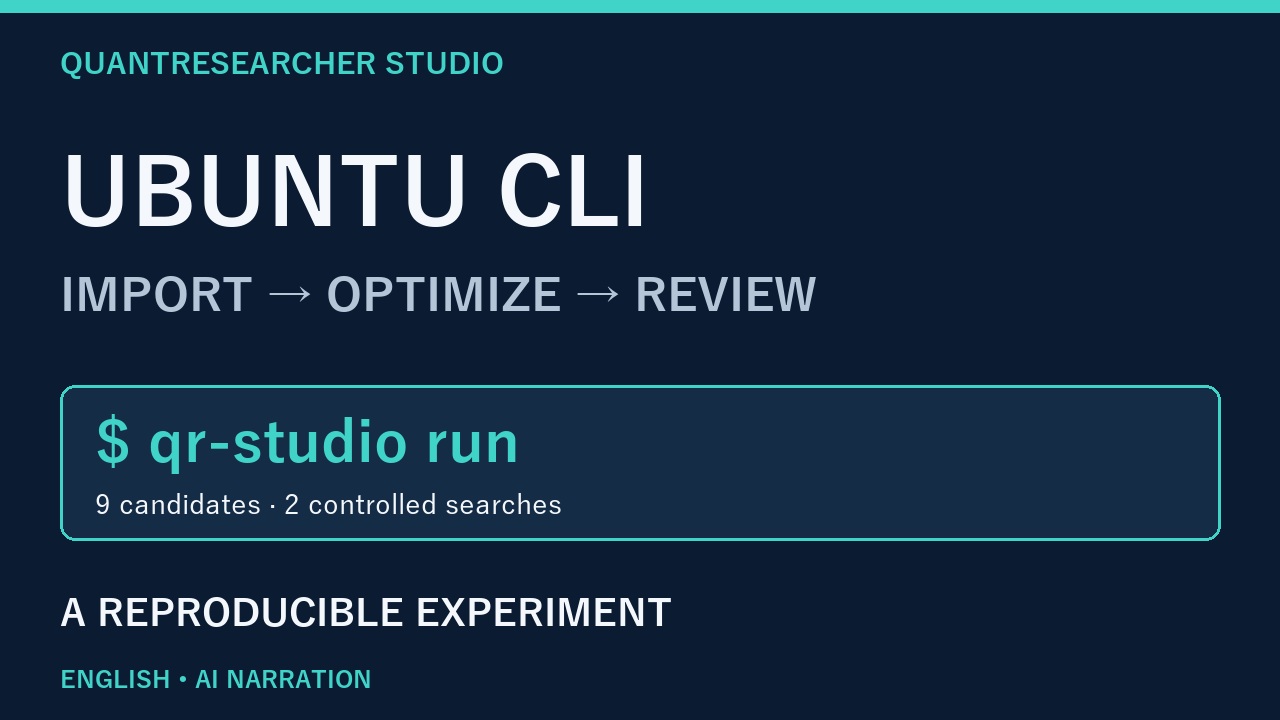
Import data, run a nine-candidate optimization and compare saved results with a controlled change to trading costs.
Keep the manual and API reference alongside your experiment. The videos show the recorded version; current screens may differ.